Modernize Legacy ETL Pipelines: SSIS Control Flow Migration to Snowflake with SnowConvert AI


ETL pipelines in the migration journey
Legacy data warehouse migrations involve many phases, including data definition language (DDL) code conversion, data migration, data validation, BI report generation and extract, transform, load (ETL) pipeline migration. One of the trickiest parts of such a migration is moving the ETL pipelines written with tools such as Microsoft SSIS that connect to the data warehouse. Replicating the business logic in Snowflake during this migration phase is time-consuming due to the different approaches and inherent complexity of the process.
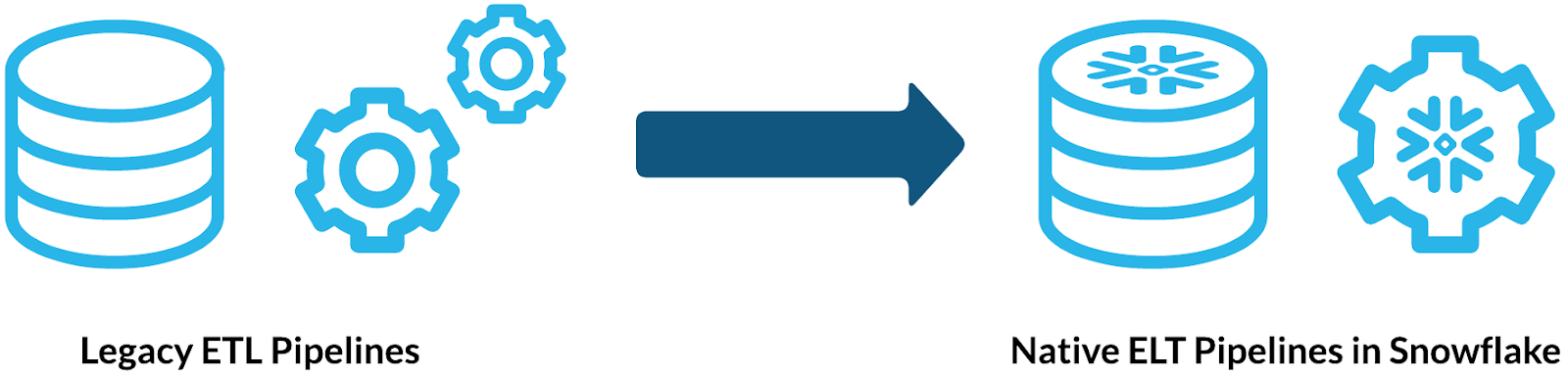
One option is just to repoint your pipelines to Snowflake, but this isn't always the best approach due to performance issues and other limitations. The other approach is to rewrite the pipelines using modern extract, load, transform (ELT) tools, but this requires a lot of manual work, effort and time. The problem gets more complicated because there are not a lot of tools out there to migrate pipelines automatically, and writing automated scripts to migrate them is even more difficult.
SnowConvert AI for SSIS control flow conversion
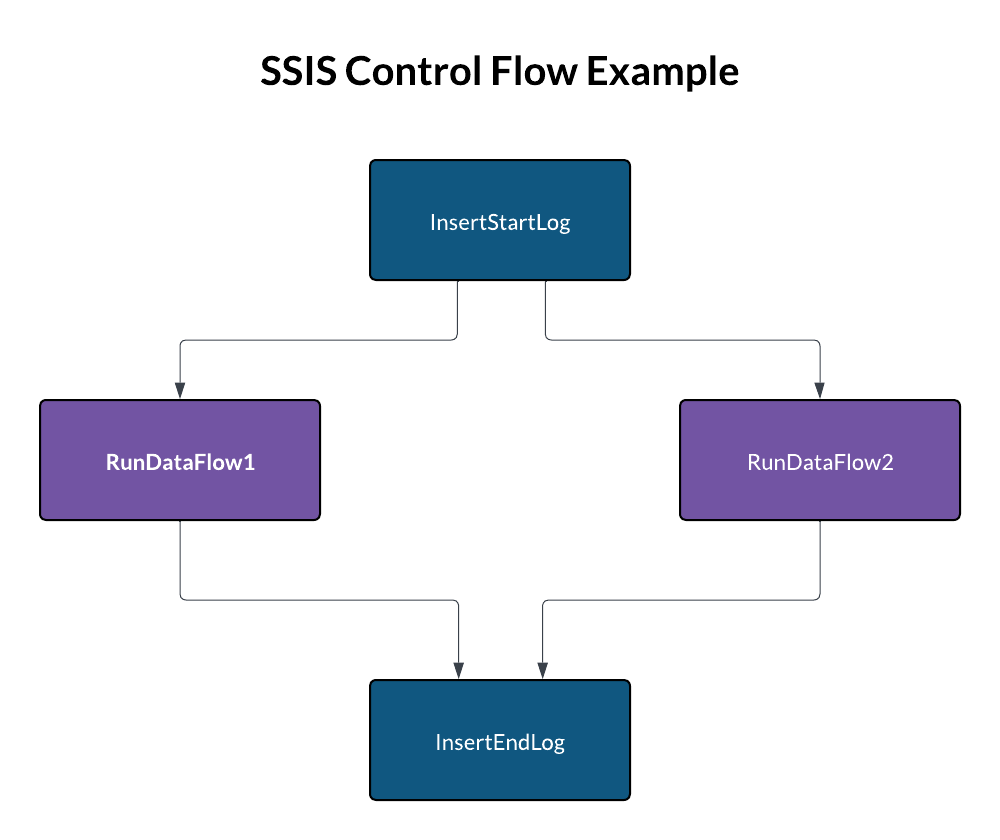
For users aiming to re-engineer the orchestration of their SSIS ETL pipelines using native Snowflake features, such as Snowflake task graphs, SnowConvert AI offers a powerful solution. This tool migrates the control flows in your SSIS packages and generates task graphs for native orchestration in Snowflake. For example, consider an SSIS control flow that begins by calling a Transact-SQL stored procedure for logging, then executes two dataflow tasks simultaneously and concludes with another stored procedure call to log the completion of the execution. SnowConvert AI is designed to transform this structure efficiently.
-- SQL code for the 'InsertStartLog' Task.
EXEC dbo.AddLog @LogText = 'start execution';

-- SQL code for the 'InsertEndLog' Task.
EXEC dbo.AddLog @LogText = 'end execution';
The tool starts by analyzing the precedence constraints within the provided DTSX file. This analysis builds an internal directed acyclic graph (DAG), which represents the exact execution order of all tasks. Using this internal DAG, the tool then generates SQL code that preserves the original control flow business logic by defining a set of tasks with their corresponding predecessors. The structure of precedence constraints in the example DTSX file is illustrated in the code snippet below.
<DTS:PrecedenceConstraints>
    <DTS:PrecedenceConstraint
      DTS:From="Package\InsertStartLog"
      DTS:To="Package\RunDataFlow1" />
    <DTS:PrecedenceConstraint
      DTS:From="Package\InsertStartLog"
      DTS:To="Package\RunDataFlow2" />
    <DTS:PrecedenceConstraint
      DTS:From="Package\RunDataFlow1"
      DTS:To="Package\InsertEndLog" />
    <DTS:PrecedenceConstraint
      DTS:From="Package\RunDataFlow2"
      DTS:To="Package\InsertEndLog" />
</DTS:PrecedenceConstraints>
SnowConvert AI generates a task graph in Snowflake SQL to preserve the original execution order of the SSIS control flow. Specifically, it creates one CREATE TASK statement for each control flow executable. A single root task acts as the main entry point, triggering the execution of all subsequent tasks. The execution order is maintained by using the AFTER clause, linking each task to its predecessors. For Transact-SQL EXECUTE statements, SnowConvert AI converts them into CALL statements in Snowflake SQL. Dataflow tasks are converted into EXECUTE DBT PROJECT statements, as the tool generates a dedicated dbt project on Snowflake for each dataflow within the package.
CREATE OR REPLACE TASK public.sample_package
AS
SELECT
   1;

CREATE OR REPLACE TASK public.package_insertstartlog
WAREHOUSE=etl_warehouse
AFTER public.sample_package
AS
CALL dbo.AddLog('start execution');

CREATE OR REPLACE TASK public.package_rundataflow1
WAREHOUSE=etl_warehouse
AFTER public.package_insertstartlog
AS
EXECUTE DBT PROJECT public.RunDataFlow1 ARGS='build --target dev';

CREATE OR REPLACE TASK public.package_rundataflow2
WAREHOUSE=etl_warehouse
AFTER public.package_insertstartlog
AS
EXECUTE DBT PROJECT public.RunDataFlow2 ARGS='build --target dev';

CREATE OR REPLACE TASK public.package_insertendlog
WAREHOUSE=etl_warehouse
AFTER public.package_rundataflow1, public.package_rundataflow2
AS
CALL dbo.AddLog('end execution');
Automating ETL migrations with SnowConvert AI
SnowConvert AI is a crucial accelerator in the journey to modernize legacy ETL pipelines, directly addressing the complexities of migrating SSIS control flows. By automatically analyzing precedence constraints and generating native Snowflake task graphs, the tool significantly reduces the manual effort and time traditionally associated with re-engineering orchestration. We encourage you to explore the power of SnowConvert AI to simplify your migration and unlock the full potential of your data on the Snowflake AI Data Cloud.
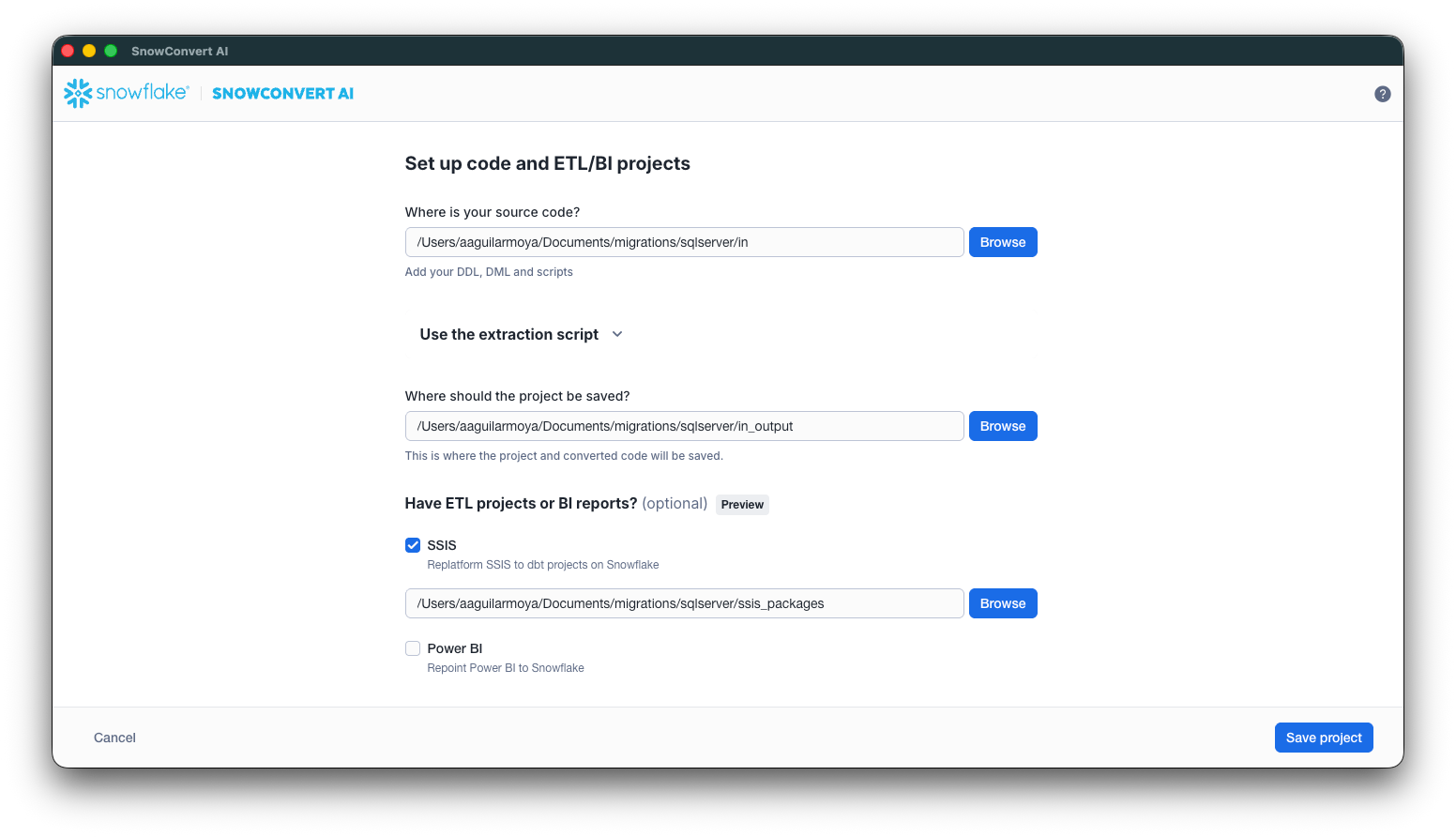
Download SnowConvert AI now and start your migration journey to Snowflake.
Why Do We Need Semantic Views? Avoiding Subtle Mistakes in Complex Calculations

Designed for Excellence: Introducing the Snowflake Well-Architected Framework

Version Control for Snowflake Semantic Views with Terraform

