Quickstart
Build an End-to-End Application Using CoCo on Snowflake
AIApplications & CollaborationData Engineering
Your data-native AI coding agent. Turn your complex data engineering, analytics and AI workflows into simple conversations.
Get started in your browser

Overview
Desktop
A comprehensive AI development environment in macOS or Windows, with integrated access to local files, terminals and Snowflake.

Terminal
A terminal-native AI coding agent that connects your local development environment to your data stack.
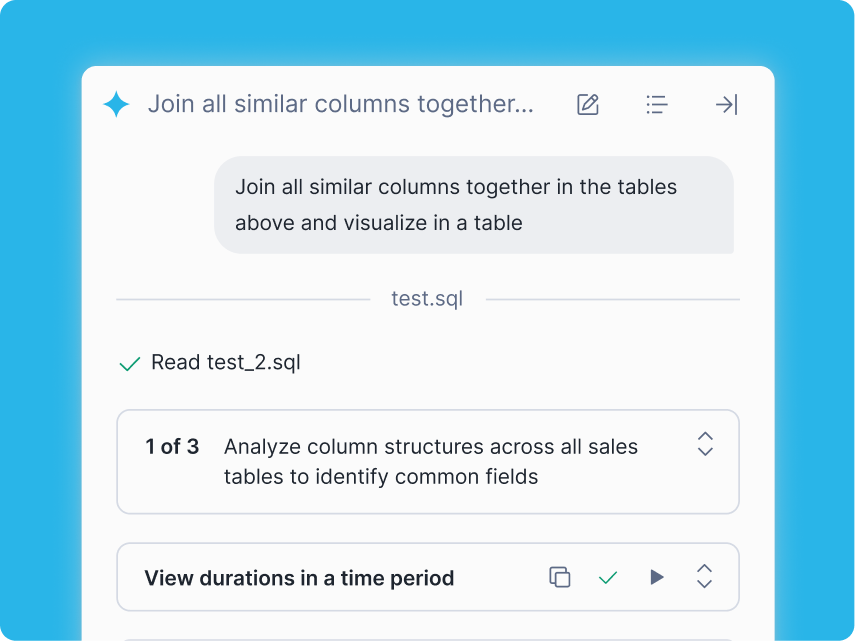
Browser
A persistent coding agent available across Snowflake Workspaces, Notebooks and other Snowsight UI workflows.

Existing Tools
Run CoCo directly in your IDE, bringing data-native agentic coding into tools you already use.
Benefits

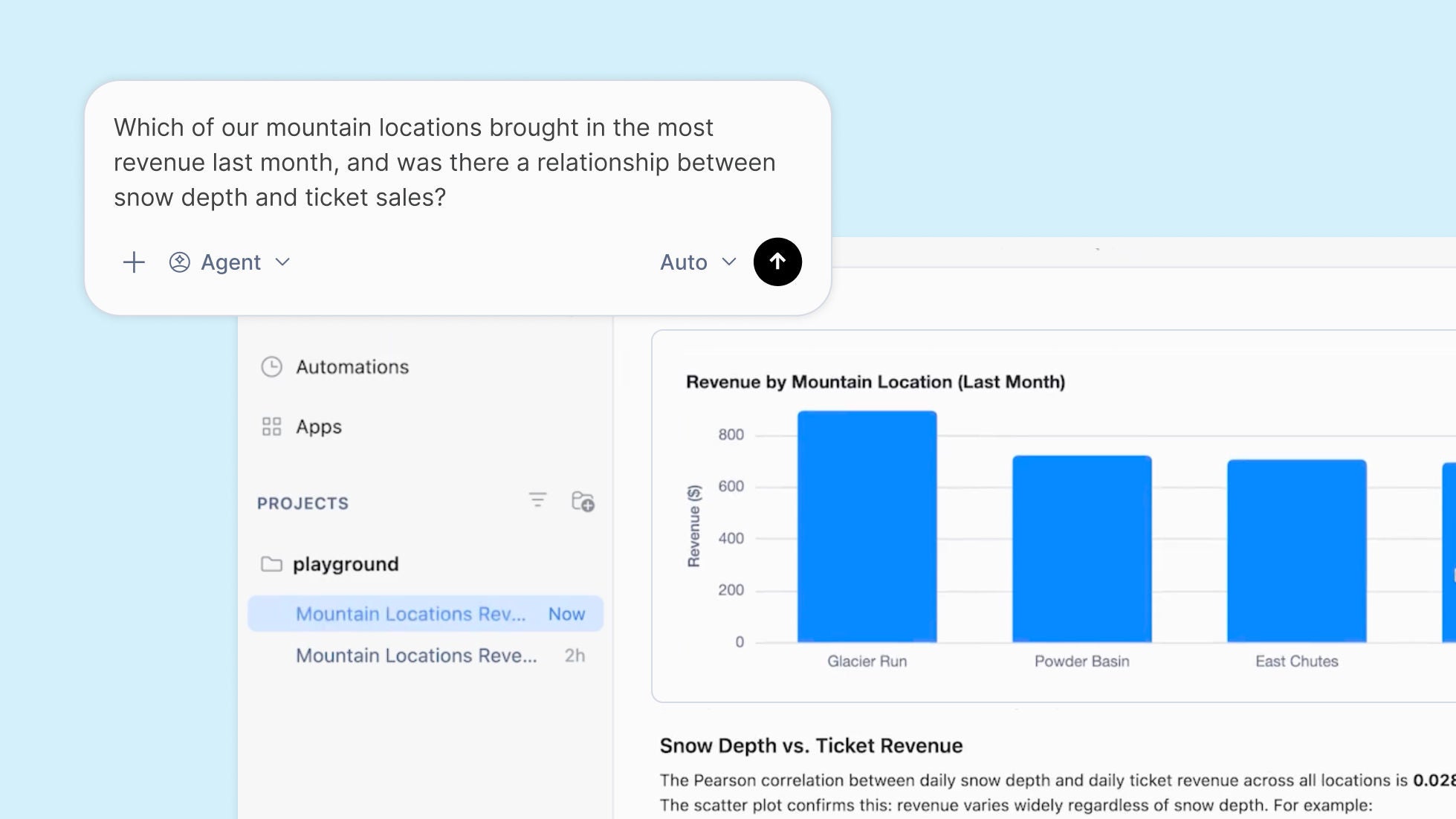
Create data pipelines, analytics, ML models, apps and AI agents in plain language.

CoCo can read your catalog, lineage and RBAC policies, so generated code references real objects with correct permissions.

Work wherever you already work — Snowflake, your terminal, or IDE — with a governed agent for enterprise scale.
Faster innovation

"Snowflake CoCo is becoming a core part of how we operate as a company. We’re rolling it out across the entire organization, not just our data team. Because it understands our data, our environment, and our governance, teams can build and automate workflows on top of trusted data without needing specialized expertise."

Strong data foundation
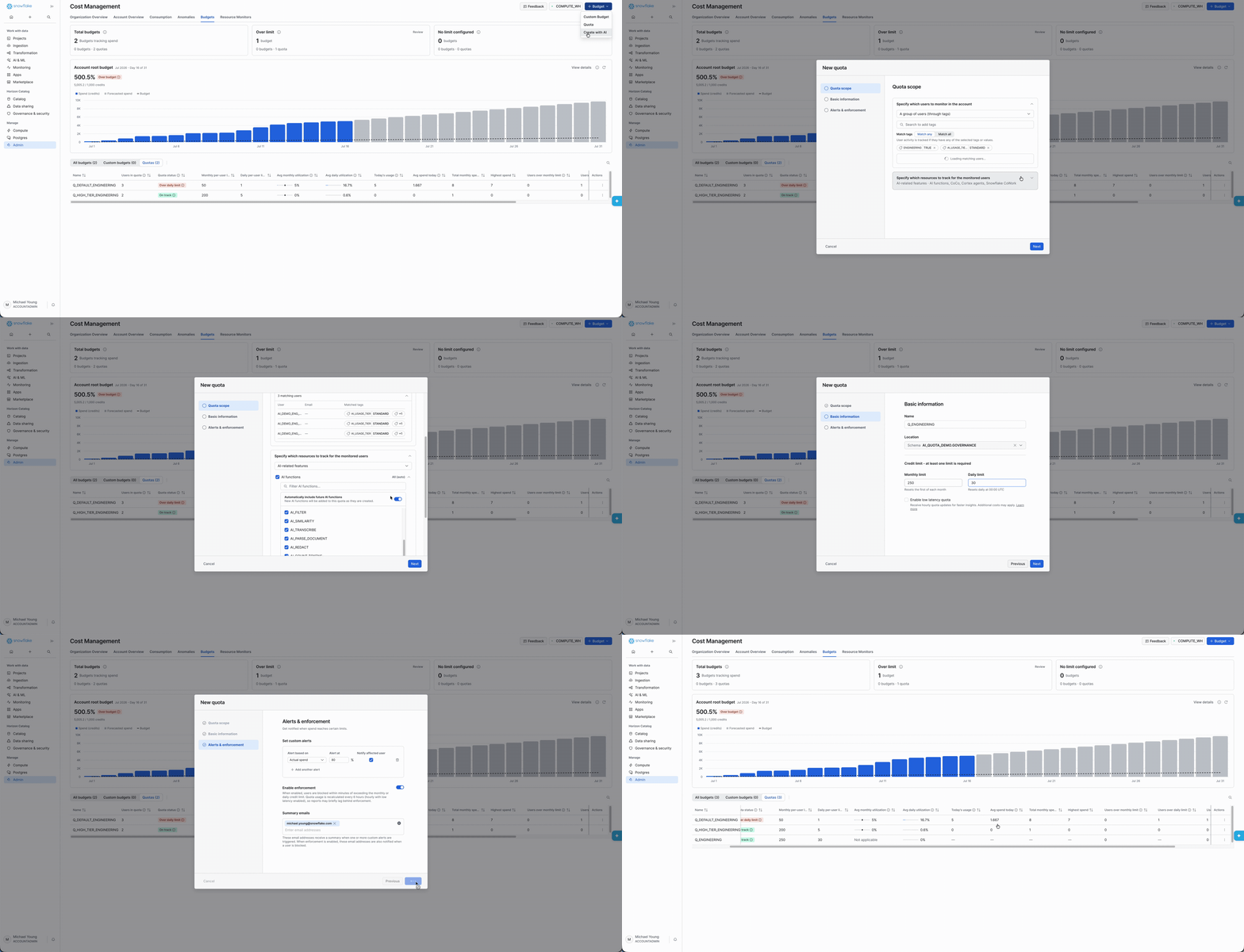
Cost Governance

Enterprise-ready by design

“CoCo helps our engineers improve the performance of our business intelligence tools, meaningfully reducing the time it takes to improve quality and speed of natural language query responses.”
Native and embedded

“CoCo helps us reduce friction in everyday data and AI development while maintaining the controls and oversight we need in a regulated environment. Our teams can build faster with the context they need to be successful.”

“By leveraging CoWork and CoCo together, we've opened up access to insights at all levels — from the front lines all the way up to the executive suite.”
Patrick Duroseau
Chief Data and AI Officer, Under Armour

Resources
Learn how to build using Snowflake's native AI capabilities, with CoCo as your AI coding assistant.
Get Started
Snowflake CoCo
Snowflake CoCo is the first truly Data-native AI coding agent, built to speed time to value across modern data stack. Deeply aware of your enterprise's data, compute, governance, and operational semantics. It works directly inside Snowflake, using your governed data, metadata and permissions to generate accurate, production-ready code so you can move from idea to execution faster.
Yes. Snowflake CoCo is simply the new name for Cortex Code. The product functionality and architecture remain the same. The rename reflects a broader vision for AI-powered development within Snowflake, but existing capabilities and workflows are unchanged.
Together with Snowflake CoWork, CoCo provides customers with an agentic control plane that lets them manage and orchestrate agent behavior.
Snowflake CoCo is billed based on token consumption. Snowflake also offers trial access with free credits for new users. For the latest pricing details: View Snowflake pricing for the latest details.
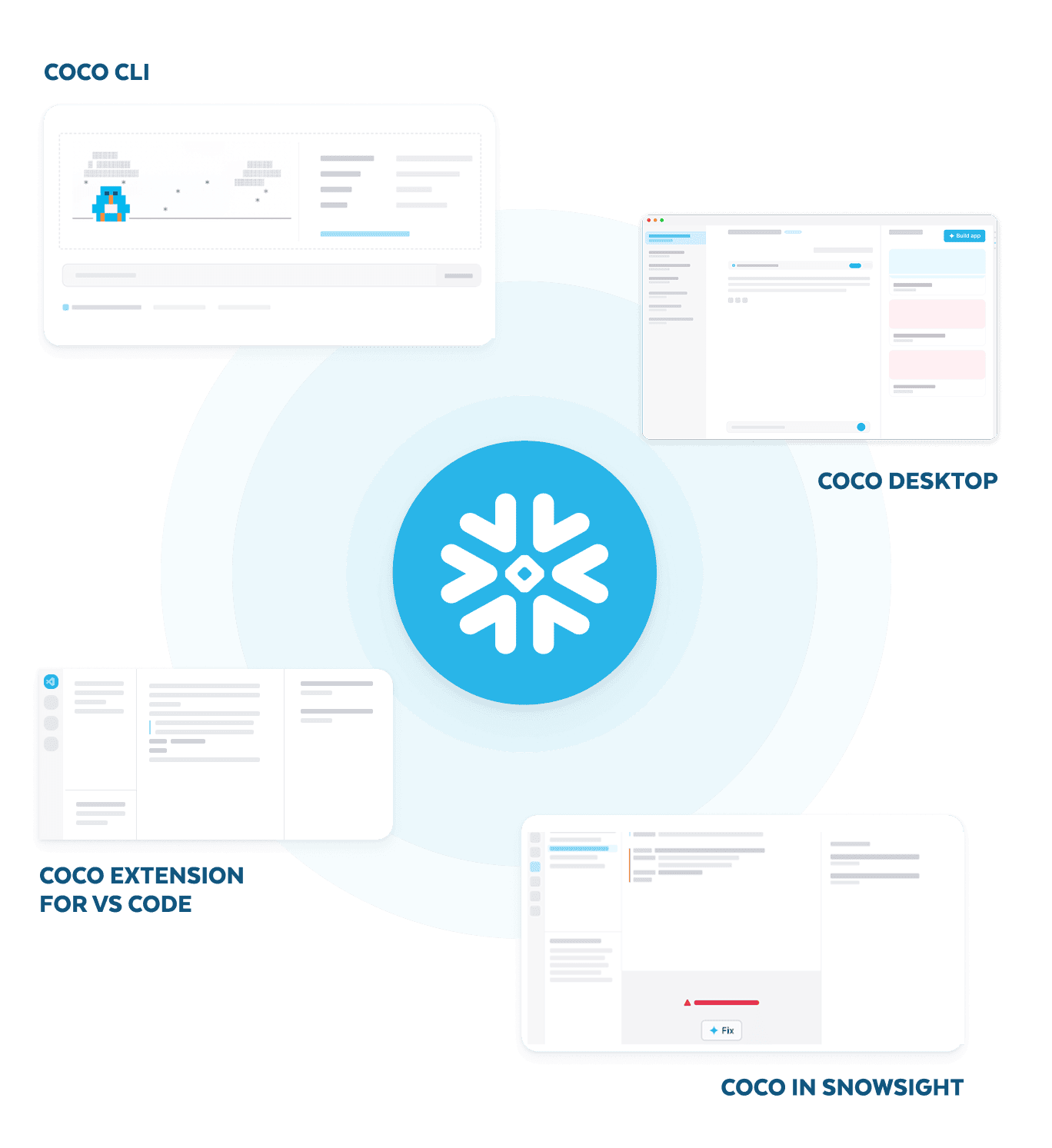
CoCo is available across multiple interfaces so you can work where you already build:
All interfaces share the same core capability: CoCo understands your Snowflake environment and generates code grounded in your real data and permissions.
CoCo Skills are built-in specialized workflows that allow CoCo to complete complex data and development tasks for you. These include things like:
You do not need to (although you can) invoke Skills manually. Simply describe what you want in natural language and CoCo automatically selects and coordinates the right tools. To learn more, explore Snowflake CoCo documentation.
AI cost governance is foundational to CoCo rather than an administrative feature added after deployment. The same role-based access controls that already govern your Snowflake environment govern CoCo, so you don’t have to configure a new security model or manage a parallel identity layer.