Snowflake Introduction
SNOWFLAKE ASCENT
Essential hands-on training to begin your AI and Data Journey
11, 12, 13, 25, 26, 27 Nov, 2026, 2026
9 Modules
Live & Virtual
100% FREE
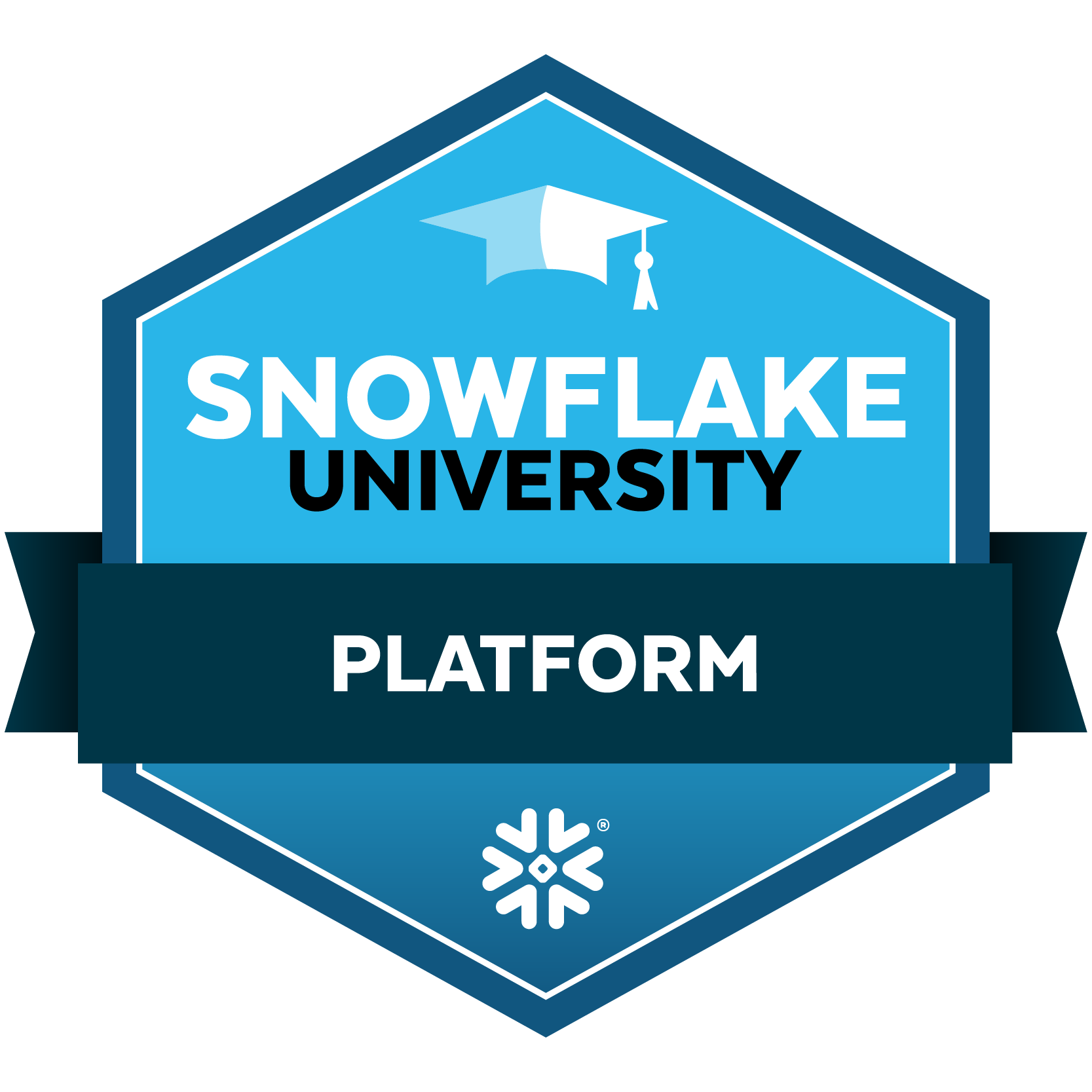
EARN A SNOWFLAKE UNIVERSITY PLATFORM SKILLS BADGE AND GAIN A COMPETITIVE EDGE IN THE AI DATA CLOUD.
WHAT TO EXPECT
Learn the power of Data Platform and AI capabilities with a step-by-step course to get started with the Snowflake AI Data Cloud. This hands-on training empowers you to integrate, share, and activate previously siloed data with limitless scalability and concurrency, enabling you to uncover data-driven insights faster in your work right now.
WHO SHOULD ATTEND
Snowflake ASCENT is essential hands-on training and has been designed for individuals with limited experience using Snowflake who want to get started and accelerate their knowledge of the AI Data Cloud -including IT managers, Data Architects, Engineers, Scientists, Administrators, and Developers.
This course is designed for beginners and is not intended for those who have already completed the Snowflake Fundamentals course or hold a SnowPro certification or higher. If you have already obtained certification or completed basic training and are interested in more in-depth education, please explore our full catalog of Snowflake training courses here!
COURSE PREREQUISITES
- Basic database knowledge
- Enrol by selecting a class on a date and time that suits you.
- Ensure you have a laptop and stable Zoom access for the training webinar.
YOU WILL LEARN HOW TO
- Set up and navigate the Snowflake user interface using Snowflake Notebooks.
- Create databases and compute resources.
- Create stages for data loading.
- Securely load and utilize shared data.
- Generative AI capabilities on your Snowflake data by calling Snowflake Cortex LLM functions
- Please find a more detailed schedule below on this page
WHAT YOU WILL EARN
- Hands-on Experience with Snowflake and Start Your Journey to an AI Data Cloud skillset.
- Certificate of completion
- Complete the assessment at the end of your training to earn a Snowflake University Platform Skills Badge. This Skills badge is a verified digital credential awarded automatically upon completion of the Platform Training course and final assessment after course completion.
ENROL NOW
Please choose only one class to attend.
START TIME
SESSION DETAILS
15 Minutes
20 Minutes
20 Minutes
30 Minutes
20 Minutes
20 Minutes
25 Minutes
20 Minutes
25 Minutes
25 Minutes
20 Minutes
Wrap-up and Q&A
5 Minutes
Closing
Technical Instructors
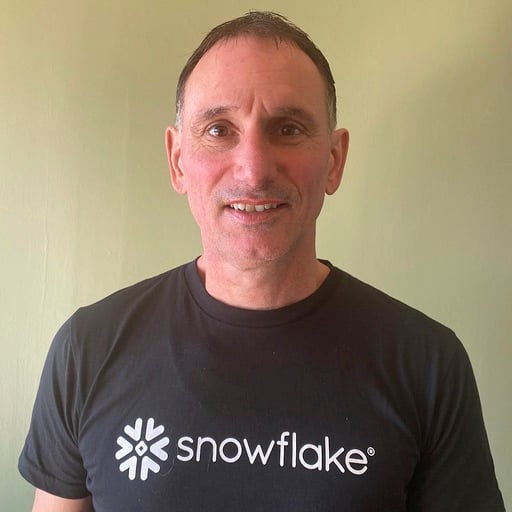
Marcus Southam
Senior Technical Instructor
Snowflake

Ravi Gurbaxani
Senior Technical Instructor
Snowflake

Hwee Yee Lim
Technical Instructor
Snowflake

Lakshmi Krishna Podila
Technical Instructor
Snowflake

Vasu Jambunathan
Customer Technical Instructor
Snowflake

Najmul Qureshi
Technical Instructor
Snowflake

Mukesh Shukla
Technical Instructor
Snowflake

Parvathi Ponnarath
Technical Instructor
Snowflake

Sairam Rajendran
Technical Instructor
Snowflake

Prasant Mohapatro
Technical Instructor
Snowflake