

Apr 17, 2026/3 min readData Engineering
Building and Deploying dbt Projects on Snowflake with Cortex Code
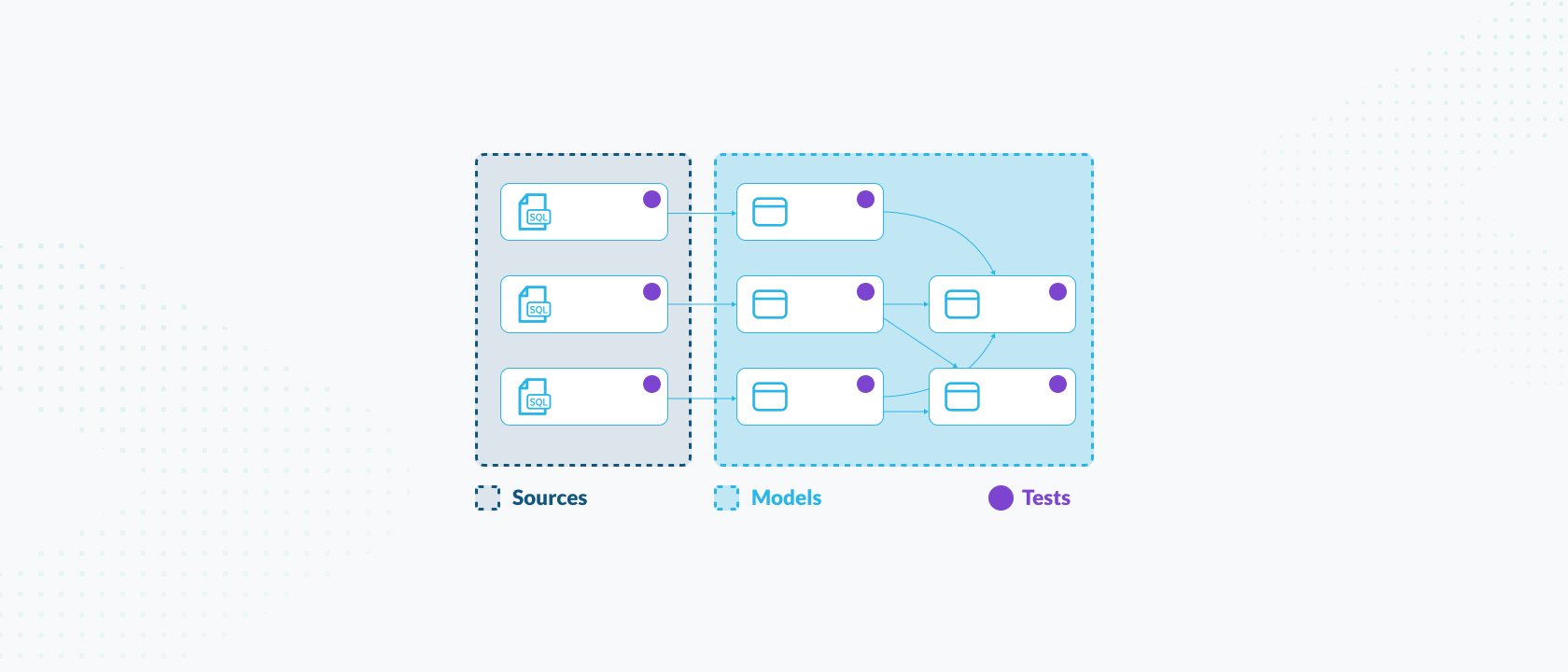
A typical day for a data engineer in dbt involves jumping between writing transformation logic, manually updating YAML files for documentation and wrestling with orchestration logs to fix pipeline failures. It is a constant cycle of context-switching between tools and performing a lot of manual coding.
But with Cortex Code, many of these tasks can be initiated from a single prompt.
Figure 1: Watch live as Uche Nkadi and Bryan Gislason demonstrate how to use Cortex Code to accelerate your pipeline development with dbt.
Unlike general-purpose AI chat tools, Cortex Code is built specifically for the Snowflake ecosystem. Cortex Code understands the relationship between your Snowflake metadata and your dbt project.
Context-aware building
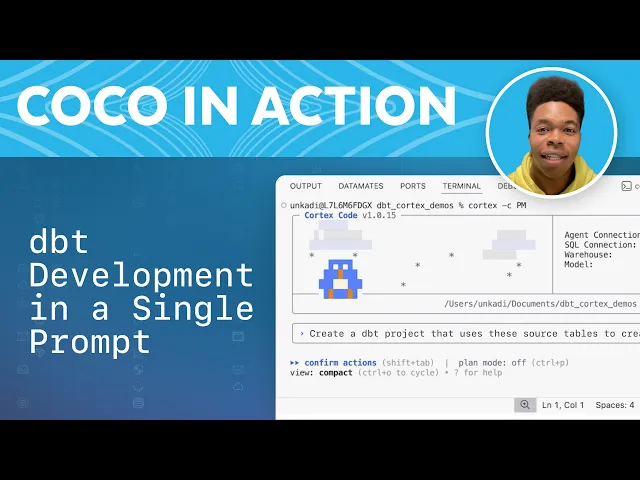
Figure 2: See how Cortex Code scans source tables, generates models, adds tests, runs builds, validates outputs and produces a shareable report, all from your terminal. What previously required significant time and context-switching across tools can be completed more quickly.
Instead of starting from a blank .sql file, you can prompt Cortex Code to "create a staging model for the orders table, casting time stamps and renaming columns to snake_case." Cortex Code knows dbt conventions. It won't just write SQL; it will automatically use {{ config(...) }} and {{ ref(...) }} macros, helping ensure your code is modular and "dbt native" from the first keystroke.
Rapid editing and optimization
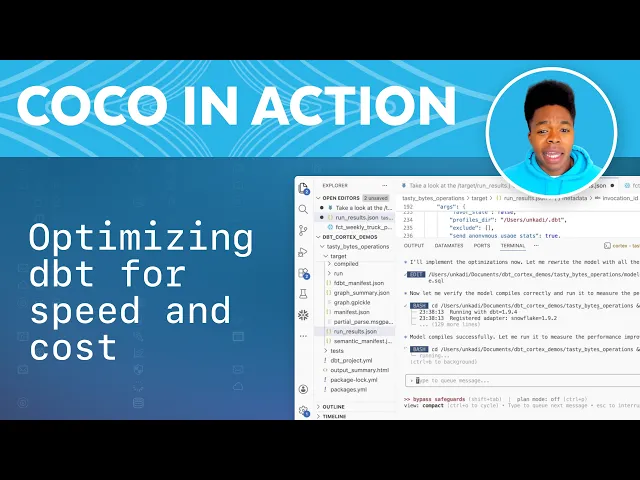
Figure 3: See how Cortex Code can analyze your project’s run_results.json, identify the slowest models, flag unused ones and find suggestions for specific optimizations you can apply.
With the Cortex Code agent, you can ask it to add a specific calculation such as profit_margin to a model. The agent then simultaneously updates your YAML files to include the new column description and relevant generic tests (such as not_null or accepted_values).
Smart troubleshooting
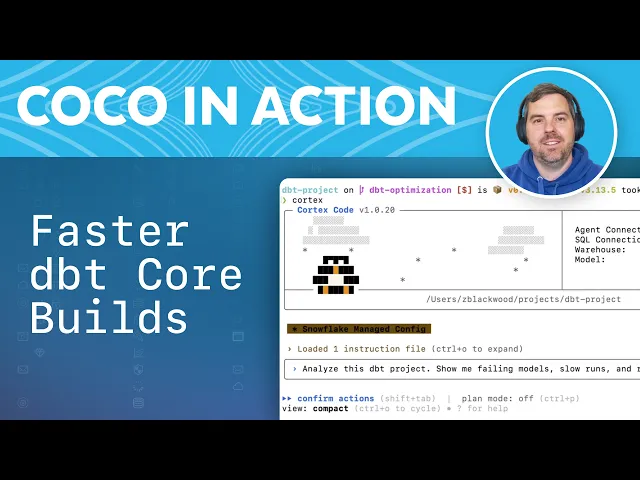
Figure 4: Quickly identify bottlenecks, perform blast radius analysis and audit test coverage with Cortex Code.
When you’re stuck on a complex window function or a join specific to Snowflake, Cortex Code provides fast, context-aware suggestions that are designed to be syntactically correct, cutting down the "trial and error" loop in the terminal.
Flexible workflows
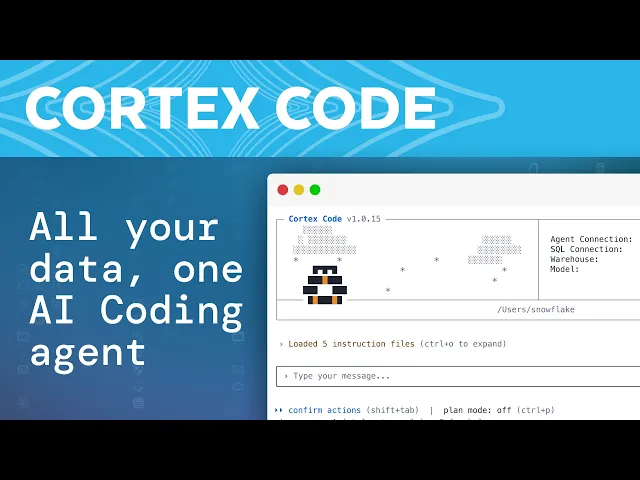
Figure 5: All your data in one coding agent — supports Snowflake, dbt and Apache Airflow.
Whether you use Snowflake's native offering of dbt projects, the open source dbt Core or dbt Platform, Cortex Code fits into your existing stack and workflows. It acts as a bridge between your local development environment and Snowflake, providing a consistent AI-powered experience regardless of where your code lives.
Access is available via:
- Snowsight interface: For those using the native version of dbt projects on Snowflake, you can access Cortex Code within the Snowflake UI, Snowsight. Snowflake Workspaces has an integrated DAG and column-level lineage. With Cortex Code, you can create dbt projects, ask questions about deployed dbt projects and inspect files.
- Cortex Code CLI: With a simple line of code, you can bring the Cortex Code coding agent right to your terminal to offload tasks such as generating documentation or writing tests.
Access Cortex Code via Snowsight or download Cortex Code CLI today.